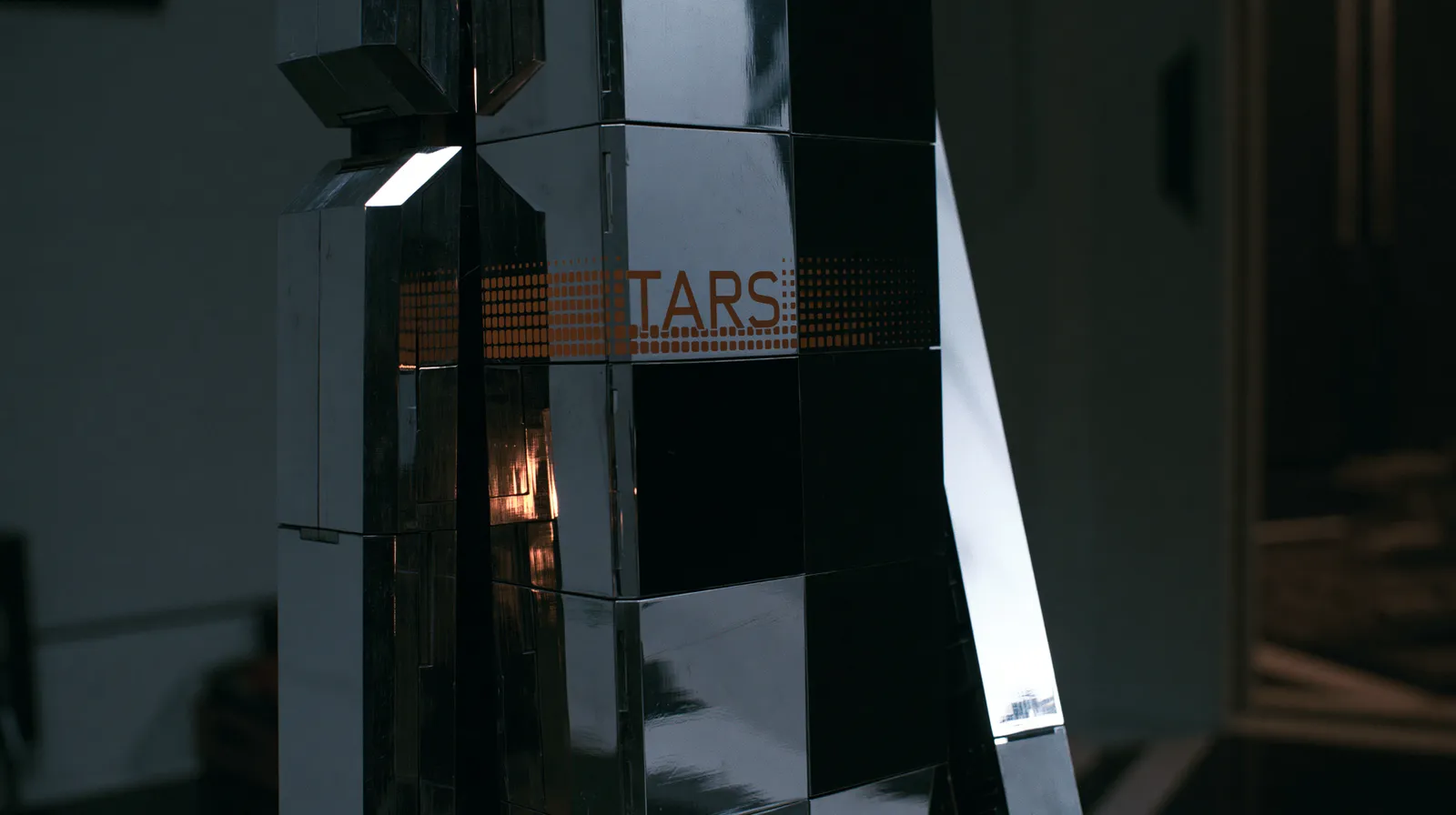

C-3PO walks into the original Star Wars trilogy with no memory of Anakin Skywalker. Everything that happened in the prequels, gone. He is fluent, capable, and completely clueless about any context you might expect him to carry.
Open a fresh conversation in ChatGPT, Claude, or Gemini. That is exactly what is happening.
The model knows nothing about you. No memory of your last session, your project, your preferences, or the 45-minute conversation you had with it yesterday about your database schema. It starts cold. Every single time.
This is the single biggest gap between how people think AI works and how it actually works. If you are building anything with AI beyond basic chat, understanding this gap is the difference between a tool that feels intelligent and one that feels like explaining your job to a new intern every morning.
R2-D2 is the exception. R2 never gets wiped. He carries decades of mission history, schematics, relationships, and context across every film. He knows the Death Star blueprints because he received them in Episode IV. He does not need to be re-briefed. He just knows.
The question every builder needs to answer: how do I make my AI tool behave more like R2?
The answer is a stack of five memory layers. Each one solves a different part of the problem. Most production systems use two or three of them together.
Layer 1: The Context Window
The context window is what the AI holds in active memory during a single conversation. Think of it as the model's desk. Whatever fits on the desk, it can reference. Whatever falls off the desk is gone.
Current sizes vary significantly. Claude handles up to 200K tokens (roughly 150,000 words). GPT-4o handles 128K. Gemini 2.5 Pro pushes up to 1 million tokens. These numbers sound massive but they fill up fast once you start injecting system prompts, conversation history, retrieved documents, and tool definitions all at once.
The context window is volatile. It exists only for the duration of the conversation. Close the tab, start a new chat, and it is gone.
For builders, context window management is the first engineering problem you solve. Every token you spend on background context is a token you cannot spend on the actual conversation. This is why the other layers exist.
Layer 2: Custom Instructions
Custom instructions are persistent context that gets injected into every conversation automatically. In Claude, these are memory edits. In ChatGPT, they are the custom instructions panel. Set them once. They ride along with every request.
For builders, this is where you encode identity and preference context: the user's role, their domain, formatting preferences, key terminology. It requires zero infrastructure. You write it once and it persists.
The tradeoffs matter. You cannot query it. It gets injected wholesale into every conversation whether or not it is relevant to the current task. Claude's memory edits have character limits. There is no versioning. If you overwrite something, it is gone.
Use custom instructions for the context that should always be present. Do not try to make it do the job of a knowledge base.
Layer 3: Project Knowledge Bases
Project knowledge bases let you upload reference documents that persist across conversations within a defined scope. In Claude, this is the Projects feature. Create a project, upload your docs, and every conversation within that project can reference them.
This solves the scoping problem. If you are working on a trading bot in one project and a client dashboard in another, each project carries its own context without polluting the other. Your trading bot project has your strategy docs and backtest results. Your client project has their schema and brand guidelines.
The value compounds over time. Documents only load into conversations within their project. They survive between sessions. You can see exactly what the AI has access to, and fix source docs directly when something is wrong.
The limitation is scale. This works well for tens of documents. Once you hit hundreds or thousands, you need a retrieval layer that can search semantically rather than injecting everything into context at once.
Layer 4: Vector Databases and RAG
This is where most “AI memory” conversations land, and for good reason.
Vector databases power Retrieval-Augmented Generation (RAG): the architecture where the AI searches a large corpus, retrieves the most relevant chunks, and uses them to generate an answer. Your documents get chunked into smaller segments and converted into numerical vectors (embeddings) that capture meaning. Those vectors go into a database optimized for similarity search: pgvector, Pinecone, Chroma, Weaviate, Qdrant. When a user asks a question, it gets embedded into the same vector space. The database finds the closest chunks and injects them into the context window alongside the prompt. The model reads them and generates an answer grounded in your actual data, not its training data.
The overhead is real. You need an embeddings pipeline, a chunking strategy, a vector database to host and query, and ongoing tuning. The wrong chunk size will quietly destroy your retrieval quality. Getting chunking right is non-negotiable.
For personal workflow memory or small project context, this is overkill. At product scale with hundreds or thousands of documents, it is the right tool.
Layer 5: MCP Memory Servers
This is the newest layer and the most interesting for technically sophisticated builders.
MCP (Model Context Protocol) is a standard Anthropic developed to give AI models a consistent way to interact with external tools and data sources. Memory servers are a specific application: they give Claude read and write access to a persistent knowledge store.
The key advantage over RAG is the write path. With a vector database, your AI retrieves information. With an MCP memory server, it retrieves and stores information. It can learn during a session and have that knowledge available in the next session. That is genuine persistent memory, not just persistent retrieval.
The practical setup has a few options. The official Anthropic memory server on GitHub gives Claude access to a local knowledge store. Community-built options like OpenMemory MCP add tiered storage with automatic promotion of frequently accessed memories. If you already maintain structured notes in Obsidian, you can point an MCP server at your vault and Claude gets semantic search over your existing notes without changing your workflow. If you run Claude Code, it can read and write files directly — some builders maintain a CLAUDE.md or memory/ directory that Claude reads at session start and appends to as context accumulates.
How the Layers Stack
| Layer | Persistence | Infrastructure | Queryable? | Write Path? | Scale |
|---|---|---|---|---|---|
| Context Window | Session only | None | No | No | Small |
| Custom Instructions | Permanent | None | No | Manual | Tiny |
| Project Knowledge Bases | Project-scoped | None | Partial | Upload only | Tens of docs |
| Vector DB / RAG | Permanent | Moderate–High | Yes | Ingestion pipeline | Thousands of docs |
| MCP Memory | Permanent | Low–Moderate | Yes | Yes | Hundreds of docs |
Start from your actual problem, not from the technology.
Want the AI to remember your preferences and role? Custom instructions. Zero setup, immediate value.
Working on a specific project and want the AI to reference your docs? Project knowledge bases. Upload, scope, done.
Need to search across hundreds of documents and return source-grounded answers? RAG. Accept the infrastructure overhead and invest seriously in your chunking strategy.
Want the AI to learn from interactions and improve over time? MCP memory server. The AI retrieves what it needs and writes back what it learns.
Already have notes in Obsidian or a Markdown vault? MCP pointed at your existing files. Do not migrate your notes into a new system.
What Most People Get Wrong
The most common mistake is treating AI memory as a single problem with a single solution. Teams either ignore it entirely and get the C-3PO experience, or they jump straight to building a full RAG pipeline for a problem that custom instructions would have solved in five minutes.
The second mistake is over-indexing on context window size. You can dump everything into a million-token context window. You should not. The model's attention degrades as the window fills. Information at the edges gets less reliable than information in the middle. And you pay for every token, whether the model actually uses it or not.
The right approach is surgical. Use the smallest, cheapest layer that solves your problem. Layer deliberately only when the simpler option genuinely cannot do the job.
Map your memory problem before you write any code. If custom instructions solve it, solve it there. Save RAG for when you actually need RAG. Most teams do not. They build the most complex thing because it feels more serious, then wonder why the AI still asks them to re-explain the basics every single session.